


WordPress at Scale: Managed VPS vs Unmanaged VPS Performance and TTFB Comparison
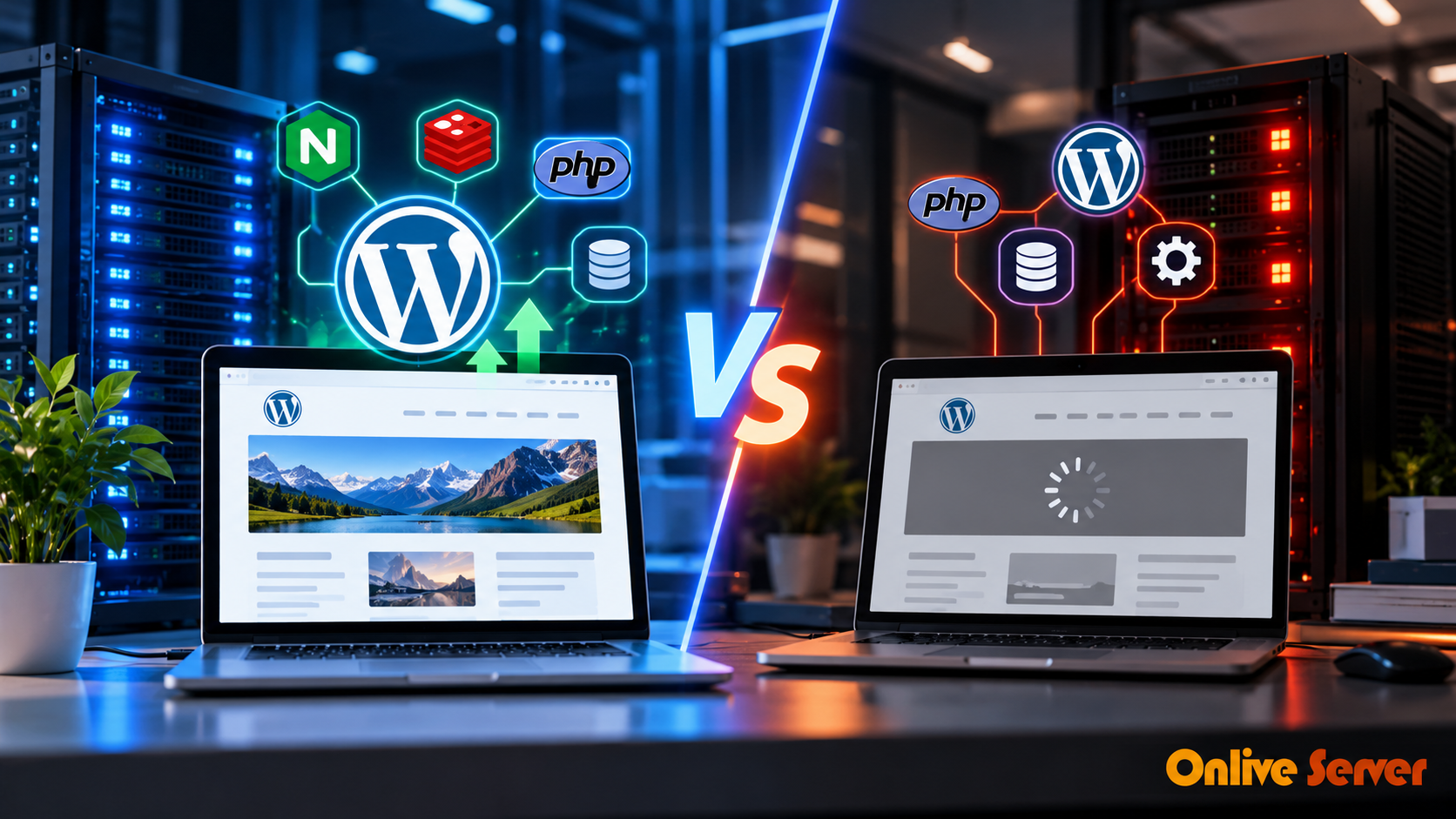
Two WordPress websites can run on servers with identical CPU cores, RAM, and SSD storage, yet one may respond much faster than the other. The difference isn't always the hardware. Often, it's what happens between a visitor's request and the moment WordPress delivers the page.
PHP configuration, database queries, caching, and web server settings all influence how quickly a website responds.
This is why comparing a managed WordPress VPS with an unmanaged VPS requires more than looking at server specifications.
A managed VPS may arrive with performance optimizations already configured. An unmanaged VPS gives administrators the freedom to configure those same tools themselves.
The real question is whether the server has been properly optimized for its workload.
Why Identical VPS Specifications Don't Guarantee Identical Speed
Consider two VPS environments, each with four virtual CPU cores, 8 GB RAM, and NVMe storage.
Both run the same WordPress website, theme, and plugins.
Server A uses PHP OPcache, persistent object caching, and a properly configured web server. Server B uses a basic installation without additional performance tuning.
Server A may process repeated requests more efficiently because it avoids some unnecessary PHP and database work.
Server B may need to perform those operations again for each request.
This is a hypothetical comparison, not a measured benchmark. It illustrates why software configuration matters even when the underlying resources are identical.
The distinction becomes more noticeable when many visitors access the website simultaneously.
TTFB: The First Performance Metric Worth Investigating
Time to First Byte (TTFB) measures the time between starting a browser request and receiving the first byte of the response.
It includes connection-related delays and server processing time.
For WordPress, a slow TTFB may indicate inefficient database queries, PHP processing delays, overloaded server resources, or a distant server location.
Google's web performance guidance suggests aiming for a TTFB of 800 milliseconds or less as a general reference.
TTFB is not itself a Core Web Vital, but it can influence loading metrics such as Largest Contentful Paint (LCP).
What a TTFB Test Can Tell You
Suppose a WordPress page responds slowly.
The first step is to determine whether the delay comes from the network or the application.
If network latency is low but the server spends considerable time generating HTML, the problem may involve PHP execution, database queries, or cache misses.
If the application responds quickly near the server but slowly from another region, network distance and connection overhead deserve investigation.
This distinction prevents administrators from making unnecessary changes to CPU or RAM allocations when the actual bottleneck lies elsewhere.
Inside the WordPress Request: Where Time Gets Lost
A WordPress request may pass through several components before the visitor receives the response.
The web server accepts the request. PHP executes application code, WordPress loads plugins and theme functions, and the application retrieves data from MySQL or MariaDB.
Some requests also involve external APIs or additional processing.
The final response is returned to the browser.
Every unnecessary operation adds work.
Caching and server tuning reduce that work, but different caching technologies solve different problems.
PHP OPcache: Avoiding Repeated Script Compilation
PHP OPcache stores compiled PHP bytecode in memory.
Without it, PHP may repeatedly compile scripts before executing them.
WordPress uses PHP extensively, so avoiding unnecessary compilation can improve execution efficiency.
OPcache is not exclusive to managed hosting. It can be enabled and configured on an unmanaged VPS as well.
Administrators should check whether it is active and whether its memory allocation is appropriate for the application.
Redis Object Cache: Reducing Repeated Database Queries
WordPress frequently retrieves options, metadata, and other information from its database.
Persistent object caching can reduce repeated database work by keeping reusable objects in memory.
Redis is commonly used for this purpose.
For example, a busy WooCommerce website may repeatedly retrieve product information and application settings.
When suitable objects are cached, WordPress can avoid some database queries.
But Redis does not eliminate every query, and its effectiveness depends on the workload and cache-hit rate.
A poorly configured Redis installation may provide little benefit or consume memory needed by other services.
Nginx FastCGI Cache: Serving Pages Without Rebuilding Them
Full-page caching addresses a different problem.
Instead of asking PHP to generate the same HTML repeatedly, the web server can return a previously generated response.
Nginx FastCGI caching can provide this functionality for eligible requests.
For a public WordPress article, caching may significantly reduce application processing.
For a personalized account page, however, the response may need to be generated dynamically.
Cache rules must therefore distinguish between public and private content.
The WordPress VPS optimization guide from OnliveServer discusses Nginx caching, Redis, and PHP-FPM configuration in more detail.
Does LiteSpeed Perform Better Than Nginx for WordPress?
LiteSpeed Web Server and Nginx can both support high-performance WordPress environments.
LiteSpeed offers integration with LiteSpeed Cache, which can manage page caching and several WordPress optimization features when the server supports them.
Nginx provides flexible FastCGI caching and can work with PHP-FPM and Redis.
Neither web server should be declared universally faster without testing the actual application.
The result depends on caching rules, PHP configuration, server resources, traffic patterns, and application behaviour.
A well-configured Nginx server may outperform a poorly configured LiteSpeed environment, and the reverse can also happen.
The software name alone does not determine the result.
Why WooCommerce Changes the Performance Equation
A standard WordPress blog and a busy WooCommerce store place different demands on the server.
Most visitors reading the same public article can receive cached HTML.
An online store must also process customer sessions, cart changes, inventory checks, and checkout requests.
These operations are more difficult to cache safely.
Product Pages and Checkout Pages Need Different Testing
A product page may benefit from full-page caching for anonymous visitors.
A checkout page usually contains customer-specific information and requires fresh application processing.
Serving one customer's cached checkout information to another customer would be a serious configuration error.
For this reason, WooCommerce performance testing should separate cacheable pages from dynamic transactions.
A fast homepage TTFB does not prove that checkout operations will remain responsive under heavy traffic.
Database Connections and PHP Workers Under Load
As concurrent requests increase, PHP workers and database connections become important.
If every available PHP worker is busy, additional requests may wait in a queue.
Database queries can also slow down when the server experiences excessive I/O activity or inefficient query execution.
Administrators should monitor PHP-FPM worker utilization, slow query logs, database connection counts, and storage latency.
Increasing worker limits without considering available RAM can make the problem worse.
How to Run a Fair Managed vs Unmanaged VPS Benchmark
A meaningful comparison requires a repeatable testing process.
Testing two unrelated websites on different hosting providers does not isolate the effect of managed server optimization.
Build a Controlled Test Environment
Prepare two VPS instances with comparable resources and virtualization conditions.
Install the same WordPress version, PHP version, database engine, theme, plugins, and website content.
Use the same testing region and keep CDN settings consistent.
Document the web server and caching configuration of each environment.
The comparison should make clear which variables are different.
Measure Cached and Uncached Requests
Use WebPageTest or another suitable performance-testing tool to examine response times.
Test public pages with a warm cache and after cache invalidation.
Record TTFB separately for both situations.
This matters because a cached page can return quickly while the underlying PHP application remains slow.
For dynamic WooCommerce pages, measure uncached responses and confirm that customer-specific content is handled correctly.
Simulate Concurrent Visitors
Tools such as k6 can generate controlled traffic against a test environment.
Start with a modest number of virtual users and gradually increase concurrency.
Monitor response times, failed requests, CPU usage, memory, PHP workers, and database activity.
Avoid running aggressive load tests against production systems without authorization and adequate safeguards.
Report Results Without Hiding Important Details
A useful benchmark report should include the median and 95th-percentile response times, request failure rate, test duration, concurrency level, and caching configuration.
It should also identify the test tool and server specifications.
Without these details, a claim that one VPS is several times faster than another is difficult to evaluate.
Why WordPress Performance Results Vary Between Servers
WordPress performance improvements depend on the original server configuration, caching setup, database workload, and website traffic.
A server running without caching may show noticeable improvements after PHP OPcache, Redis, or page caching is configured correctly.
However, the actual improvement cannot be predicted without testing.
A reliable comparison should measure both cached and uncached requests, record response times under different traffic levels, and document the server configuration.
This makes it easier to understand which optimization produced the improvement and whether the results apply to real WordPress or WooCommerce workloads.
When Managed WordPress VPS Can Make a Difference
Managed VPS hosting can be useful when the provider actively configures and maintains the WordPress server stack.
That may include PHP tuning, caching configuration, database optimization, performance monitoring, and troubleshooting.
The exact services depend on the hosting agreement.
An unmanaged VPS can achieve comparable performance when an experienced administrator applies the same optimizations.
The advantage of managed hosting is therefore often the availability of technical administration rather than access to fundamentally faster technology.
For businesses without in-house server expertise, that difference can be valuable.
For developers who prefer full control over their environment, unmanaged VPS hosting may be equally suitable.
What the Performance Comparison Really Shows
A WordPress website becomes faster when unnecessary processing is reduced and the remaining workload is handled efficiently.
PHP OPcache can reduce compilation overhead. Redis can reduce repeated database work. Page caching can avoid unnecessary PHP execution. Database and PHP-FPM tuning can help the application handle concurrent requests.
None of these improvements belongs exclusively to managed VPS hosting.
A properly configured unmanaged VPS can perform just as well as a managed one with equivalent resources.
The deciding factors are the quality of the configuration, the workload being tested, and whether someone continues to monitor and maintain the server as traffic grows.
For WordPress and WooCommerce owners, those are more useful measures of hosting performance than the managed or unmanaged label alone.

 English
 Arabic
 Spanish
 Portuguese
 Deutsch
 Turkish
 Dutch
 Italiano
 Russian
 Romaian
 Portuguese (Brazil)
 Greek