


How MS Project Scheduling Improves Construction Planning Accuracy
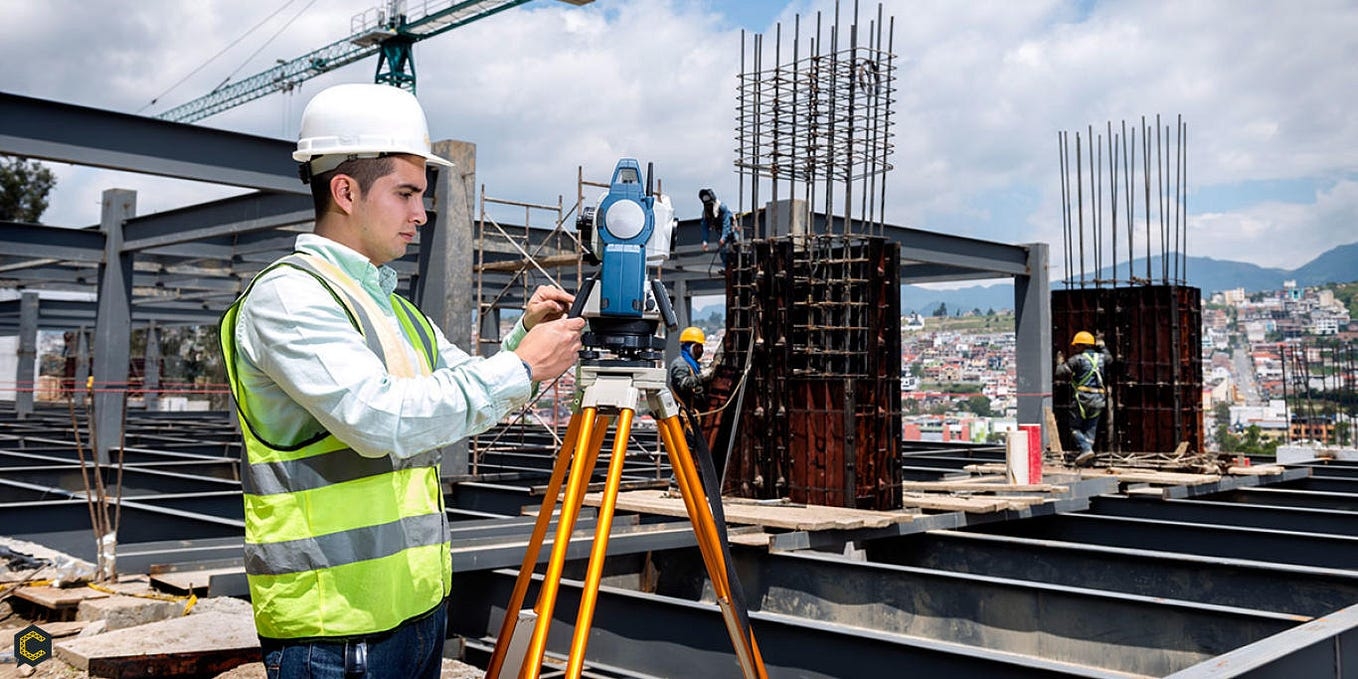
Construction planning is about taking one clear step with correct timings and proper use of resources. MS Project is a tool that improves accuracy and helps builders plan every task in organized way. This digital scheduling method shows what needs to be done, when to do it and how long it takes. Better planning means you make fewer mistakes and you do not have to wait long for things to get done. You have more control over the whole construction project when you use MS Project scheduling for your projects.
What Is MS Project Scheduling?
MS Project scheduling is a digital way to plan construction projects on a computer. It helps teams break a project into smaller parts, plan time for each step and assign the resources such as the right people and tools to every task.
Each task has a start date, an end date and a specific time duration in MS Project. This makes the whole project easy to understand. Project managers use this digital tool to create a clear schedule that shows how work moves step by step from start to finish.
Key Ways MS Project Scheduling Improves Planning Accuracy
Break Down the Project into Tasks
Microsoft Project helps to divide a big project into small and easy tasks that are simple to handle. This process is called task breakdown. The list of each task is listed below.
-
Site preparation
-
Foundation work
-
Structural work
-
Plumbing and Electrical
-
Finishing
This breakdown makes planning more accurate because nothing is missed and every part of the construction work gets the proper attention.
Set Clear Timelines
MS Project helps planners set clear start and finish dates for each task and shows how long each task will take to complete. This is useful to improve accuracy because
-
Tasks are arranged in a proper order
-
Time gaps get smaller
-
Deadlines feel more realistic
When every worker clearly knows what to do and when to do it, the team works better and there is less confusion.
Show Task Dependencies
When you are working on a construction project, you have to do tasks in an order. For example, walls are built only after the foundation is ready. This project scheduling method shows how all the tasks are connected. It shows how each task is linked to others which helps in creating a clear and simple schedule. This is really helpful in a way:
-
Work follows the right order
-
Delays are easy to notice
-
Changes updated in the schedule automatically
If one task is delayed, MS Project adjusts the other tasks so the team knows how it will affect the whole construction project.
Better Resource Management
Construction projects need workers, materials and equipment to complete the work successfully. MS Project makes it simple to assign all these resources to each task in an organized way. You can also hire construction takeoff services because they also support this process. These services provide accurate material and labour estimates before the project begins, helping teams know exactly what resources are needed. This improves accuracy in planning because
-
Resources are used properly and not wasted
-
Workload is shared in a balanced way
-
Costs are easier to manage and control
When the right resources are used at the right time, the project runs smoothly and work gets done without problems.
Track Progress in Real Time
MS Project scheduling allows teams to see progress as the project moves forward. Managers can update tasks and compare real progress with the planned schedule. This improves accuracy in the following way:
-
Problems are found early
-
Delays get fixed fast
-
Future planning becomes reliable
Real-time tracking keeps the project on track and reduces the risk of big issues.
Improve Communication
Construction projects include many people like engineers, contractors and suppliers. MS Project makes a shared schedule that everyone can easily follow. It improves accuracy because:
-
Everyone understands their job clearly
-
Tasks explained in a simple way
-
Less confusion between workers
When people communicate clearly the team works better and results in fewer or no mistakes.
Reduce Delays and Risks
Delays are common in construction projects. But Microsoft Project shows possible risks and helps you prepare backup plans to handle problems in a better way. For example:
-
If a task might take a longer time, extra time can be added
-
If workers or resources are limited, the schedule can be adjusted early
This makes the plan more useful because it is realistic and can be easily changed when needed.
Cost Control
Accurate scheduling contributes to cost planning. This scheduling method helps track how much each task will cost based on time and resources. This cost control helps in:
-
Avoiding unexpected expenses
-
Staying within budget
-
Planning financial resources better
When you link time and cost, your project becomes easier to manage. Many people prefer working with commercial estimating company because their expertise helps in accuracy in cost and reduces errors in budget estimates. They use MS Project to create schedules of projects in detail so that your project completes within the budget.
Easy to Adjust and Update Plans
Construction projects often change because of weather, design updates or site conditions so the plan needs to be updated quickly to stay on track. MS Project is really helpful to update the schedule. When you make one change, the system will automatically adjust all the tasks. This way the plan remains accurate and you do not have to start all over again from the beginning.
Visual Tools
MS Project uses charts such as Gantt charts to show the schedule visually. These charts clearly explain tasks, timelines and progress in a simple and easy to understand way. Visual tools make the construction project more accurate because of the following:
-
Plans are easier to understand
-
Mistakes are easier to find
-
Decisions get made faster
Even big projects that are hard to manage become simple when you can see the project in a clear visual way.
Better Decision-Making
This scheduling method gives detailed information about project tasks, timelines and resources. Managers use this information to make practical decisions. Better decisions make planning more accurate such as:
-
Choosing the right order of tasks
-
Managing risks effectively
-
Allocating resources wisely
Using real-time data to plan reduces mistakes and makes the whole project more successful.
Projects Finish on Time
Good scheduling is a key to finishing projects on time which really matters for success. MS Project helps you follow each step of a project and keeps the timeline on track so work runs smoothly. When you monitor all the tasks in a project, then the following happens:
-
Delays are minimized
-
Work stays on schedule
-
Achieve project goals on time
Finishing projects on time builds trust with clients and improves your business reputation.
Conclusion
MS Project scheduling is a really helpful tool for improving accuracy in construction planning projects. It helps break down projects into clear tasks and set realistic deadlines. It also helps manage resources and track project progress. This lets people communicate, reduces problems and saves money.
When you plan a construction project carefully with MS scheduling, it runs smoothly, finishes on time and avoids delays. When builders and contractors use MS Project, they feel more confident in their planning and finish their projects with better results. You can use the professional CPM scheduling services because they provide expert project management in construction. They identify critical paths and task dependencies to ensure project work in a better and more organized way.

 English
 Arabic
 French
 Spanish
 Portuguese
 Turkish
 Dutch
Dutch
 Italiano
 Russian
 Romaian
 Portuguese (Brazil)
 Greek
Greek
