


Internal Tools Development for Smarter Business Operations
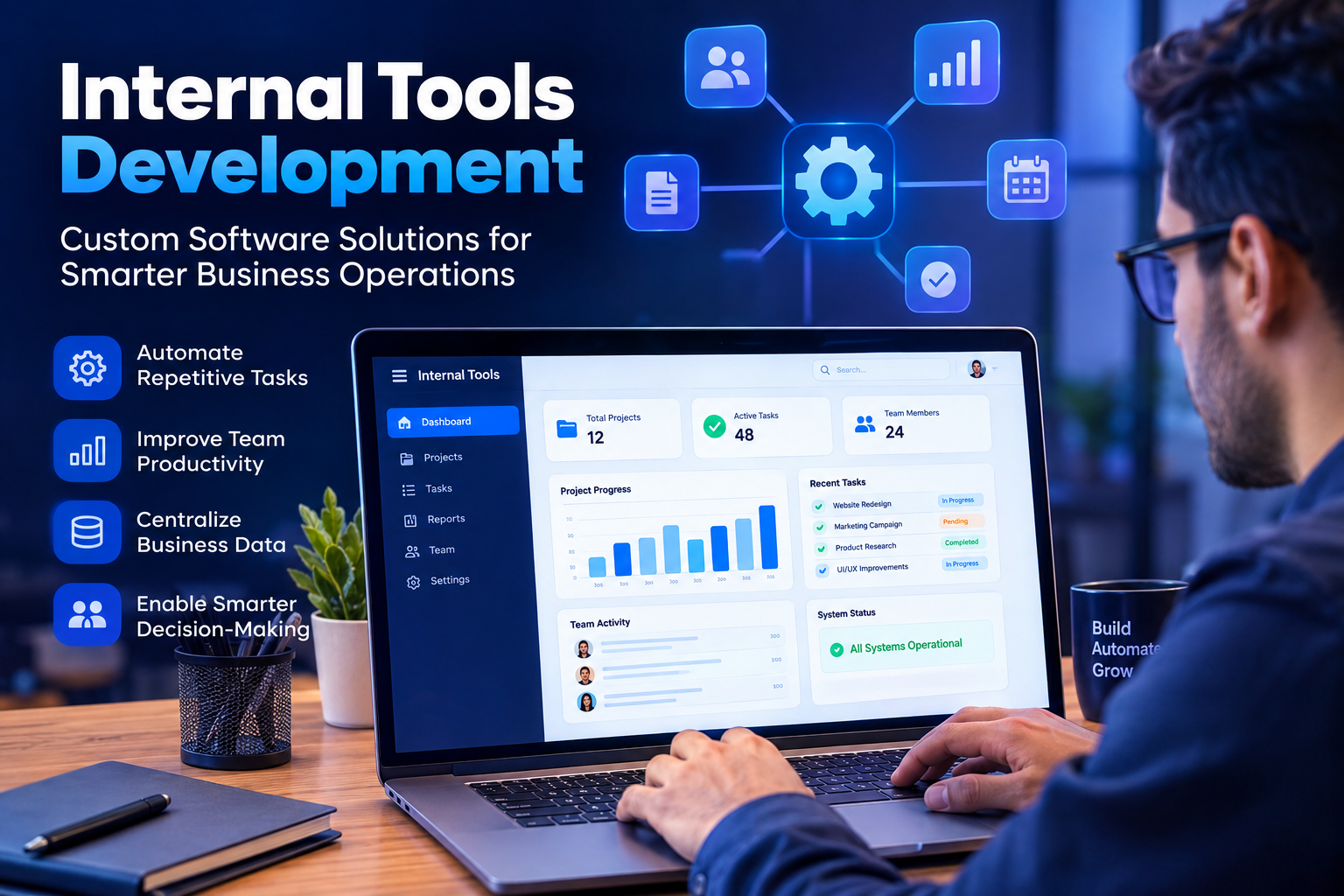
Businesses rely on many processes to keep daily operations running smoothly. Teams manage information, communicate with each other, track tasks, handle customer data, generate reports, and complete repetitive administrative work. When these activities depend on disconnected software or manual processes, productivity can suffer. This is where internal tools development can make a meaningful difference.
Internal tools are custom software applications created specifically for the people and processes inside a business. Unlike customer-facing applications, these tools are designed to help employees work more efficiently behind the scenes. They can simplify complex workflows, connect different systems, automate repetitive activities, and provide teams with faster access to important information.
For growing businesses, internal tools development can be an effective way to solve operational problems without forcing employees to adapt their workflows around generic software.
What Is Internal Tools Development?
Internal tools development is the process of designing and building software for internal business use. These applications are generally created around a company's specific workflows, requirements, teams, and operational challenges.
An internal tool might help an operations team manage requests, allow employees to access company information, help managers monitor projects, or give technical teams a central interface for managing systems.
The main purpose is not to create another product for customers. Instead, the goal is to make internal work easier, faster, more organized, and less dependent on manual processes.
Because every business operates differently, internal tools can vary significantly. Some companies need simple dashboards, while others require sophisticated platforms that connect databases, APIs, authentication systems, analytics, and automation workflows.
Why Businesses Invest in Internal Tools
Generic business software can be useful, but it does not always match the way a company works. Employees may have to switch between several applications, copy information manually, or follow complicated workarounds to complete simple tasks.
Internal tools development allows businesses to create software around their actual processes.
One major benefit is improved productivity. When employees can complete common tasks from a centralized interface, they spend less time searching for information or moving data between systems.
Custom internal tools can also reduce repetitive work. Activities such as data entry, reporting, approvals, notifications, and information processing can often be automated.
Another advantage is better visibility. A well-designed internal application can bring important business information into one place, making it easier for teams and managers to understand what is happening.
Common Types of Internal Tools
Internal tools can support almost any department within an organization.
Internal Dashboards
Dashboards provide teams with a central place to view important information. A business might use an internal dashboard to monitor sales activity, project progress, website performance, customer requests, or operational metrics.
A good dashboard presents information clearly so employees can make decisions without searching through multiple systems.
Administrative Platforms
Administrative tools can simplify routine company processes. They may help employees manage requests, documents, approvals, schedules, or internal records.
Instead of relying on spreadsheets and email conversations, businesses can create a centralized workflow that makes these activities easier to manage.
Employee Management Tools
Human resources and management teams can use internal software to organize employee information, onboarding activities, leave requests, performance processes, and other internal operations.
These tools can provide employees and managers with appropriate access to the information they need.
Workflow Automation Tools
Workflow tools are designed to reduce repetitive manual tasks. They can automatically move information between systems, trigger notifications, assign tasks, or start approval processes based on specific conditions.
Automation can help employees focus more on valuable work instead of repetitive administration.
Data Management Tools
Businesses often work with large amounts of internal information. Custom data management tools can provide teams with controlled access to databases and business information through a user-friendly interface.
This can be especially helpful when employees need information from complex systems but do not have technical expertise.
Benefits of Internal Tools Development
The right internal tool can improve several areas of business operations.
Improved Efficiency
Employees can complete tasks more quickly when unnecessary steps are removed from a workflow. A custom tool can bring related actions together and reduce the need to move between different applications.
Reduced Manual Work
Repetitive tasks consume time and can also create opportunities for human error. Automation can handle suitable repetitive activities while employees focus on tasks that require judgment and creativity.
Better Data Accuracy
When employees manually copy information between systems, mistakes can occur. Internal tools can reduce unnecessary data duplication and help keep information consistent.
Greater Operational Visibility
Centralized tools can give managers and teams a clearer view of business activities. This makes it easier to identify delays, monitor workflows, and understand operational performance.
Improved Employee Experience
Employees do not always need more software. They need software that makes their work easier. A well-designed internal application can remove frustrating processes and provide a smoother working experience.
Greater Flexibility
A custom internal tool can evolve with the business. New workflows, integrations, permissions, and features can be introduced as operational requirements change.
Internal Tools Development Process
Successful internal tools development usually begins with understanding the problem rather than immediately writing code.
The first stage is identifying the workflow that needs improvement. Businesses should understand how employees currently complete the task, where delays occur, and which activities are repetitive.
Next, the development team can define the requirements of the tool. This includes users, permissions, workflows, data sources, integrations, and security requirements.
The interface should then be designed around the employees who will actually use the application. Simplicity is particularly important because internal tools are intended to support productivity rather than create additional complexity.
After development begins, the tool should be tested with real workflows. Feedback from employees can reveal usability problems and missing functionality.
Once the application is launched, it should continue to be monitored and improved. Internal business processes change over time, so the tool should be capable of adapting to new requirements.
Features to Consider in Internal Tools
The features required depend on the purpose of the application, but several capabilities are commonly useful.
User authentication can ensure that only authorized employees access the system. Role-based permissions can provide different levels of access to different teams.
Search and filtering can help employees find information quickly. Dashboards and reporting features can improve visibility.
Integration capabilities are also valuable. An internal tool may need to communicate with existing databases, business applications, communication platforms, payment systems, or other services.
Notifications can keep employees informed about important events, while activity logs can help organizations understand what actions have taken place within the system.
Security should remain a priority throughout development, particularly when the tool handles sensitive company or employee information.
Internal Tools and Business Automation
Internal tools development often works closely with automation. A business may discover that employees spend significant time performing the same actions repeatedly.
For example, an employee might receive a request, enter information into a system, notify another department, update a spreadsheet, and create a report. A custom internal application could bring these steps into one workflow.
Automation does not necessarily mean removing people from a process. Instead, it can allow employees to spend less time on repetitive administration and more time handling activities that require expertise.
Challenges of Internal Tools Development
Building internal software also comes with challenges.
One common problem is developing a tool without properly understanding the users' needs. A technically advanced application can still fail if employees find it difficult to use.
Another challenge is scope expansion. Businesses may begin with a simple operational problem but continue adding unrelated features during development. This can make the project unnecessarily complicated.
Integration can also be challenging when existing systems use different technologies or data structures.
Security is another important consideration. Internal applications should not automatically be treated as low-risk simply because they are not publicly available.
Ongoing maintenance is equally important. Software needs updates, monitoring, security improvements, and occasional changes as the organization evolves.
How to Make Internal Tools Successful
A successful internal tool should solve a clearly defined business problem.
Start with the workflow instead of the technology. Understand what employees are trying to accomplish and identify unnecessary steps.
Keep the interface simple. Employees should not need extensive training to perform routine tasks.
Build only the functionality that provides real value. A focused internal tool is often more useful than a large application filled with features that employees rarely need.
Collect feedback after launch. Employees who use the software every day can provide valuable insights into what works and what needs improvement.
Finally, treat internal tools as evolving business systems rather than one-time projects. Continuous improvements can keep the software aligned with changing business requirements.
FAQs About Internal Tools Development
What is internal tools development?
Internal tools development is the creation of custom software applications designed to support employees and internal business processes. These tools can improve workflows, automate repetitive tasks, organize information, and connect existing systems.
Why do businesses need internal tools?
Businesses may need internal tools when existing software does not properly support their workflows. Custom applications can address specific operational problems and provide employees with a more efficient way to complete their work.
What can internal tools automate?
Internal tools can automate suitable repetitive activities such as approvals, notifications, data processing, reporting, task assignments, and information transfers between connected systems.
Are internal tools only useful for large businesses?
No. Businesses of different sizes can benefit from internal tools when they have repetitive workflows or operational challenges that cannot be handled effectively with existing software.
How long does internal tools development take?
The development timeline depends on the complexity of the application, required features, integrations, security requirements, and testing process. A focused tool can generally be developed more quickly than a complex internal platform.
Should internal tools be mobile-friendly?
It depends on how employees use the application. If teams regularly access the tool from mobile devices, responsive design can provide a better experience and improve accessibility.
How important is security for internal tools?
Security is extremely important. Internal applications may contain company, employee, customer, or operational information. Proper authentication, permissions, secure data handling, and monitoring should be considered during development.
Can internal tools integrate with existing software?
Yes. Internal tools can often integrate with existing business applications, databases, APIs, communication systems, and other platforms. Integrations can reduce duplicate work and create smoother workflows.
Conclusion
Internal tools development gives businesses an opportunity to build software around the way their teams actually work. Instead of forcing employees to adapt to generic applications, organizations can create solutions that address specific workflows, reduce repetitive tasks, improve information access, and support better collaboration.
The most effective internal tools are not necessarily the most complicated ones. They are the tools that solve real operational problems while remaining simple and useful for employees.
Businesses considering internal software should begin by identifying a clear problem, understanding the existing workflow, defining practical requirements, and involving employees throughout development. With the right approach, internal tools can become an important part of a more efficient, connected, and scalable business operation.

 English
 Arabic
 French
 Spanish
 Portuguese
 Deutsch
 Dutch
Dutch
 Italiano
 Russian
 Romaian
 Portuguese (Brazil)
 Greek
Greek
