


Deploying Docker Compose Microservices on a Ukraine VPS Server
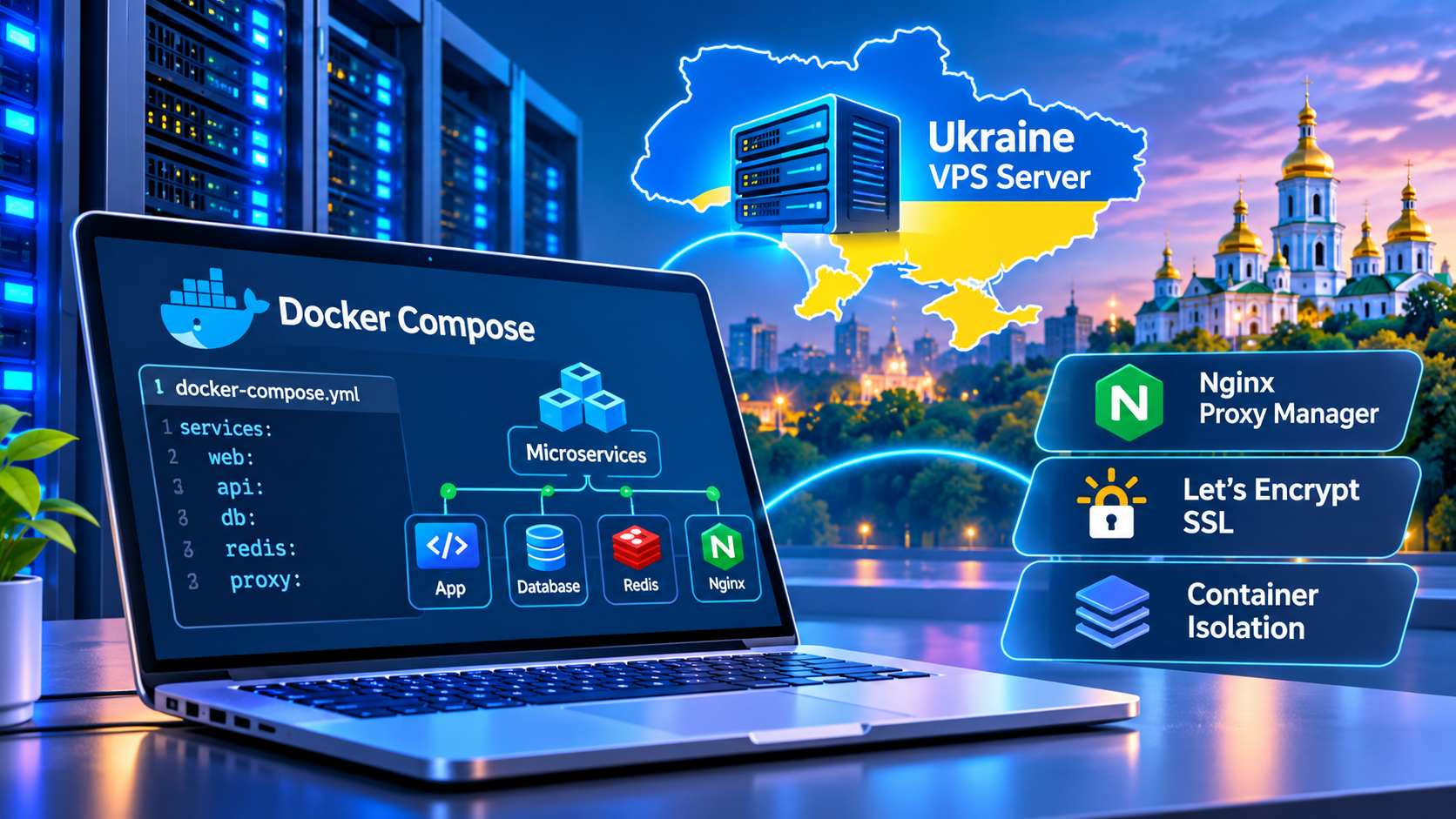
Docker Compose simplifies the deployment of applications that consist of multiple interconnected services. Developers can run application backends, databases, caching systems, and reverse proxies using a single configuration file.
A Ukraine VPS server can provide a flexible environment for deploying containerized applications targeting Ukrainian and Eastern European markets.
Prepare the VPS Environment
Before deploying microservices, choose a virtual private server with sufficient CPU, memory, and storage resources. KVM-based virtualization is suitable for Docker workloads when the guest operating system supports the required kernel features.
Ubuntu and Debian are common operating system choices for containerized applications.
Install Docker Engine and the Docker Compose plugin using the official documentation. Configure SSH key authentication, install security updates, and restrict unnecessary network access.
When evaluating a dedicated-resource Ukraine VPS server, confirm which resources are reserved, which are shared, and whether the hosting provider supports containerized workloads.
Configure Microservices with Docker Compose
Docker Compose allows developers to define application services, networks, environment variables, and persistent storage in a YAML configuration file.
A typical microservices deployment may include:
-
Node.js or Python application backend.
-
PostgreSQL or MySQL database.
-
Redis caching service.
-
Nginx reverse proxy.
-
Frontend web application.
Each service operates within its own container while communicating with other authorized services through Docker networks.
Use named volumes for persistent database storage and configure health checks to monitor service availability.
Configure Nginx Proxy Manager
Nginx Proxy Manager provides a graphical interface for managing reverse proxies, domain routing, and HTTPS certificates.
Developers can connect multiple applications to a shared reverse proxy network and assign individual domain names or subdomains to each service.
Point the appropriate DNS records to the VPS IP address before configuring proxy hosts.
Keep the administration interface restricted to trusted networks or VPN connections. Database ports should remain inaccessible from the public internet unless explicitly required and appropriately protected.
Secure Applications with Let's Encrypt SSL
Let's Encrypt provides free TLS certificates for encrypted HTTPS connections.
Nginx Proxy Manager supports certificate requests and automatic renewal under suitable DNS and network configurations.
Enable HTTPS for public-facing applications and verify certificate renewal regularly. Internal service communication may require additional encryption depending on the application's security requirements.
Improve Container Isolation and Security
Container isolation helps separate application processes, but containers still share the host operating system kernel.
Reduce security risks by following these practices:
-
Run application containers as non-root users where possible.
-
Avoid unnecessary privileged container access.
-
Separate frontend and database networks.
-
Protect passwords and API credentials.
-
Apply container image updates regularly.
-
Configure CPU and memory limits.
Maintain independent backups of database contents, persistent volumes, and deployment configurations.
Monitor Application Performance
Monitor CPU utilization, memory consumption, container health, disk usage, and application response times after deployment.
Docker Compose works well for many single-server applications, but it does not automatically provide high availability across multiple servers. Applications requiring automated failover may need additional infrastructure or an orchestration platform.
Conclusion
Deploying Docker Compose microservices on a Ukraine VPS server provides developers with greater control over application configuration, networking, and resource management.
A properly configured reverse proxy, HTTPS certificates, isolated container networks, and reliable backup procedures can support secure and maintainable application deployments.

 English
 Arabic
 French
 Spanish
 Portuguese
 Deutsch
 Dutch
 Italiano
 Russian
 Romaian
 Portuguese (Brazil)
 Greek